# Expenses
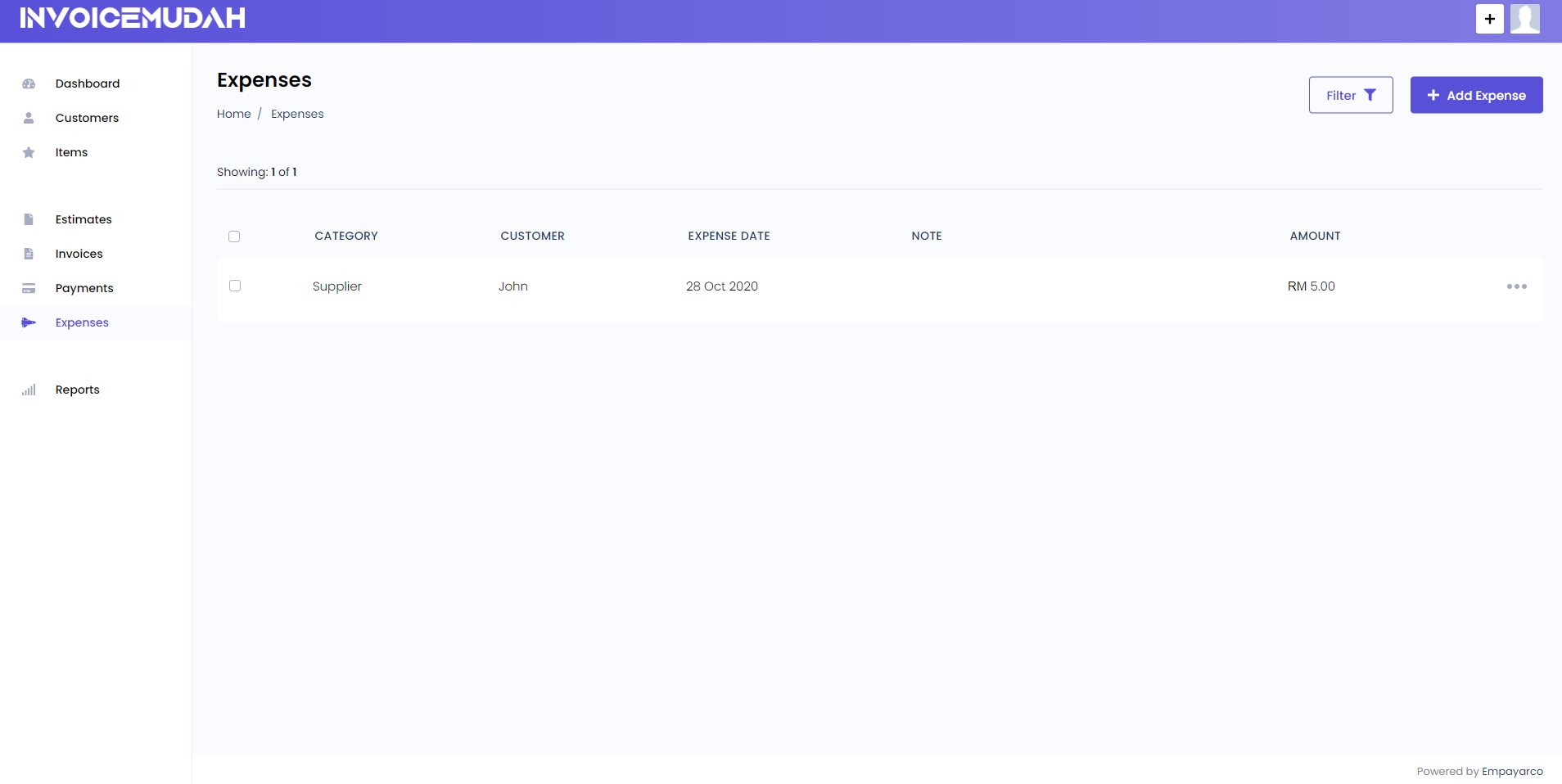
You can access the expenses tab from the sidebar menu.
# Add New Expense
You can add new expense entry by selecting a category, date and amount. Optionally you can also specify a note or upload a receipt with it.
# Expense Fields:
- Category: Category in which the expense belongs to. for example: "Office Equipment", "Salary" or "Travelling Expense"
- Date: Date when the expense occured.
- Amount: Total Amount of the Expense.
- Note(optional): Extra details about the expense.
- Receipt(optional): A PDF or an Image file of the expense.

# List Expenses
All created Expenses are shown on the Expenses page and you can easily edit or delete them as well. You can also use filters to quickly search for a particular expense by its category or date.