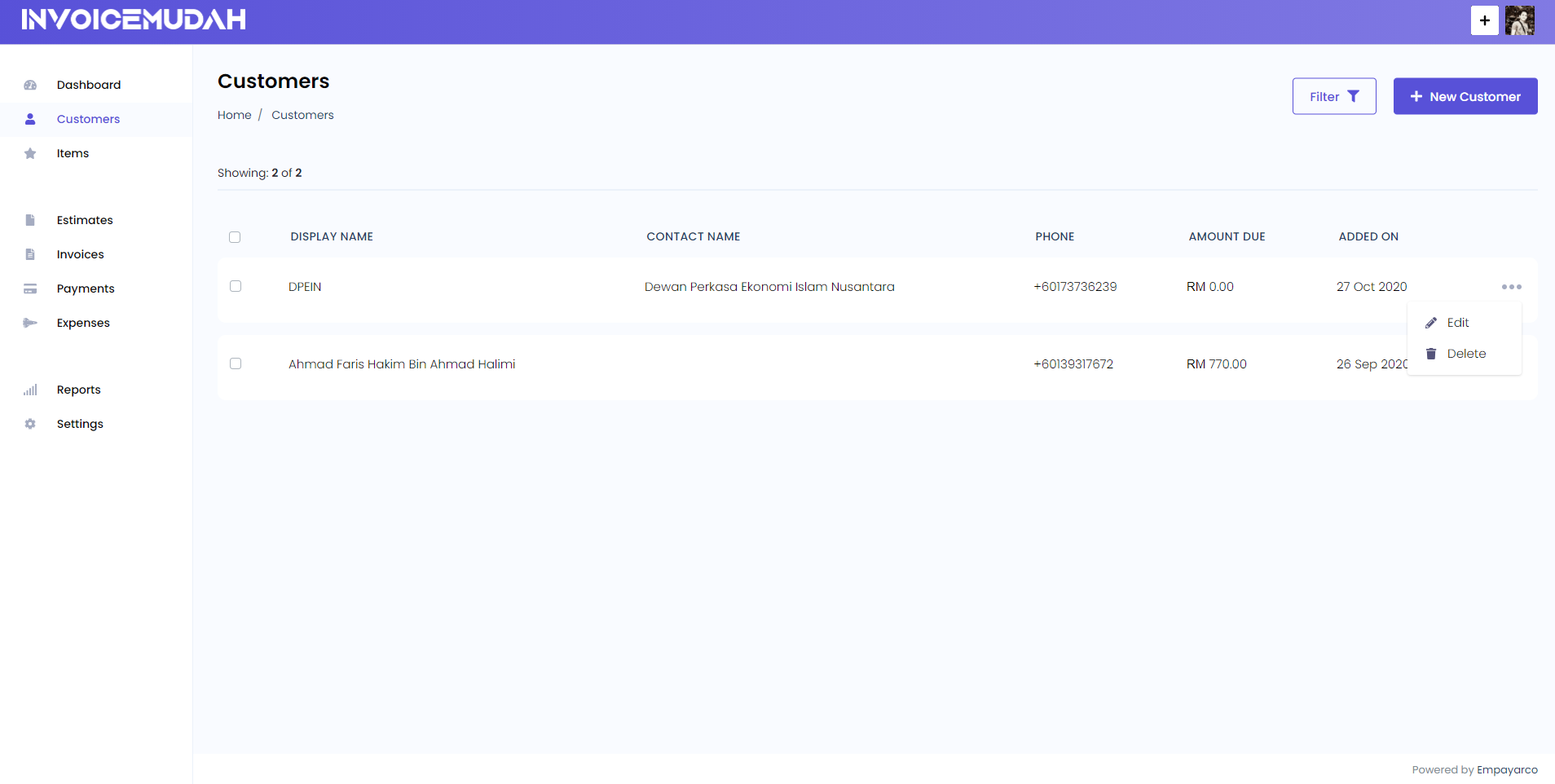
# Customers
You can access the customers tab from the sidebar menu.
# Add New Customer
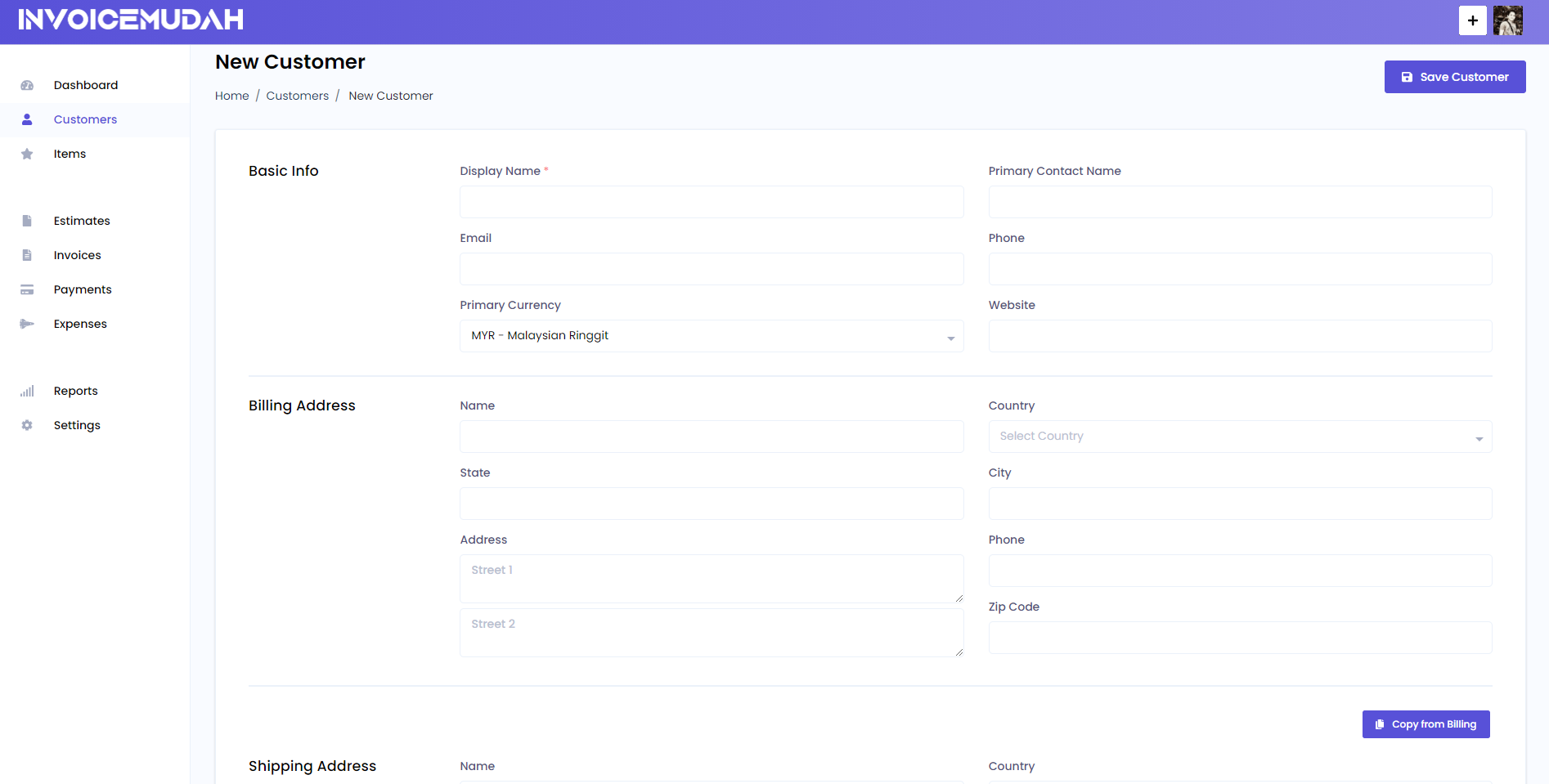
You can add new customers and their relevant information like their name, contact info, billing address shipping address etc.
You can also add a customer quickly by accessing the page by clicking the plus icon on the header.
# Customer Fields:
- Display Name: The name of the company or entity which will be displayed on the invoice.
- Primary Contact Name: Name of the contact person, with whom you are communicating. It will be used to personalize your emails.
- Email: Email of the customer where the invoice will be sent when you send the invoice using the app.
- Phone: Phone of the contact ( will not be displayed on the invoice )
- Primary Currency: When you create an invoice or estimate, it will use this selected currency for that particular invoice.
- Billing Address: Billing address which to be displayed on the invoice/estimate.
- Shipping Address: Shipping address which to be displayed on the invoice/estimate.
# List Customers
All created customers are shown on the Customers page and you can easily edit or delete them as well. You can also use filters to quickly search for a particular customer by their Display Name, Contact Name & Phone number.
invoicemudah also supports deleting multiple customers at a time. To delete more than one customers, just select the customers and click on the Delete button from the Actions dropdown which is placed on the top-right corner of the table.